
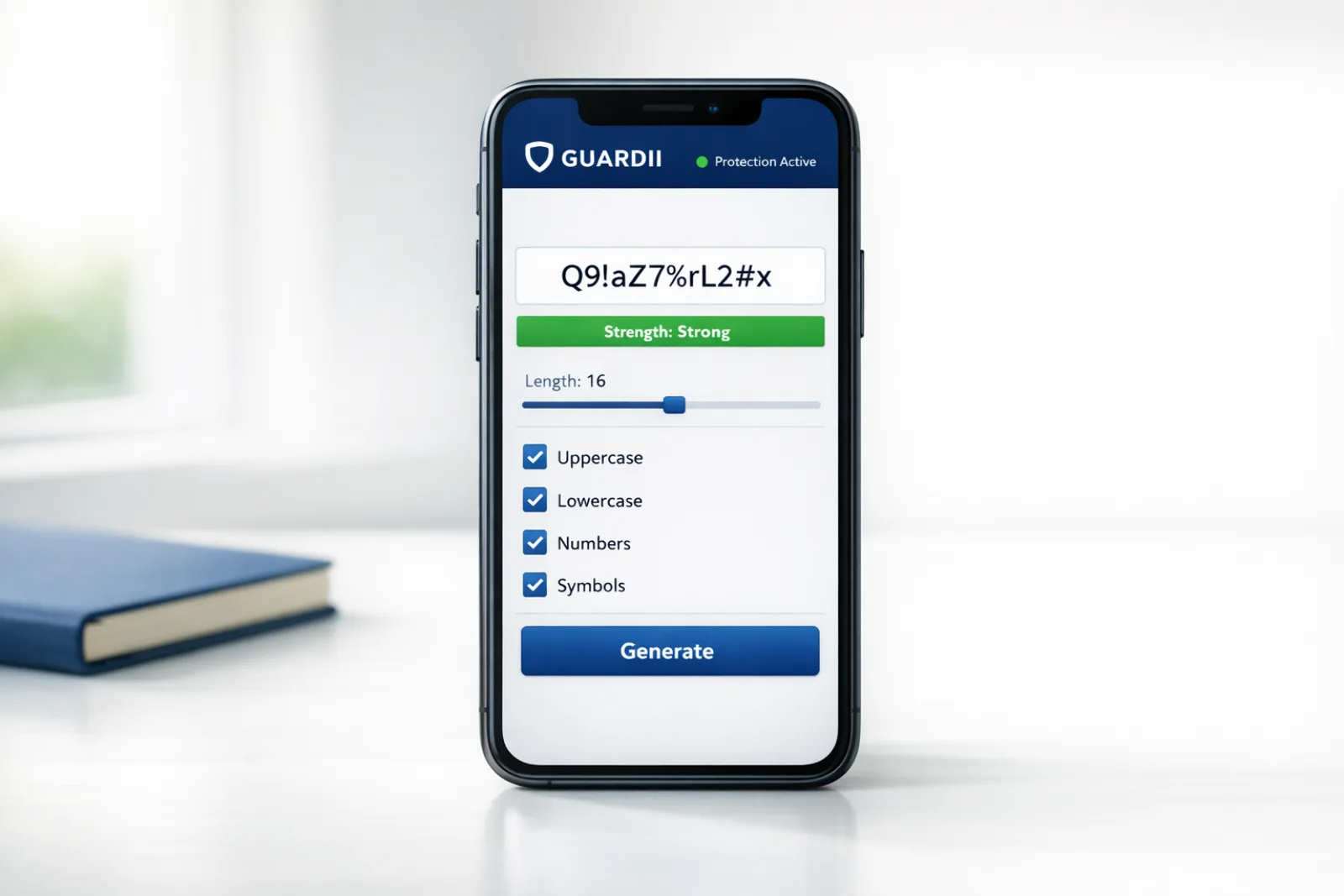
Password Generator
Secure Passwords Without the Guesswork
A reliable password generator makes it easier to protect your accounts without wasting time thinking up combinations on your own. Instead of reusing old logins or choosing something predictable, you can create a fresh random password based on the exact settings you need. Length, uppercase and lowercase letters, numbers, symbols, and optional exclusions all make a difference when you're trying to balance security with usability.
Built for Control and Clarity
This tool is designed for people who want a strong result without extra clutter. You can choose the password length, decide which character types to include, and even set minimum counts for each category. If you want to avoid lookalike characters such as O and 0, or remove symbols that are easy to misread, you can do that in one click.
Smarter Random Password Creation
A good secure password generator should do more than mix characters together. It should validate your settings, use secure browser-based randomness, and clearly show whether the result is weak or very strong. That gives you a practical way to create safer credentials for email, banking, work accounts, and everyday logins with more confidence.
FAQs
How does this password generator make passwords secure?
The tool uses a cryptographically secure random method built into modern browsers, which is far stronger than basic random functions. That matters because predictable randomness can make passwords easier to guess. It also lets you control character types, exclusions, and minimum counts, so you can create passwords that match both security best practices and real-world requirements.
What happens if my settings conflict with each other?
If your choices create an invalid setup, the tool explains the issue clearly before generating anything. For example, if you select a password length that’s shorter than the total of your minimum character counts, or if exclusions remove every character from a selected category, you’ll see a direct validation message telling you what needs to change.
Should I exclude similar or ambiguous characters?
That depends on how you plan to use the password. Excluding characters like I, l, 1, O, and 0 can make a password much easier to read and type correctly, especially when you’re copying it manually. Removing ambiguous symbols can help too if a website has confusing character rules. The tradeoff is a slightly smaller character pool, but for many users the added clarity is worth it.